
Perfect Player IPTV1.6.0.1 - Get APK
You'll be able to download in few seconds.
Publisher Description

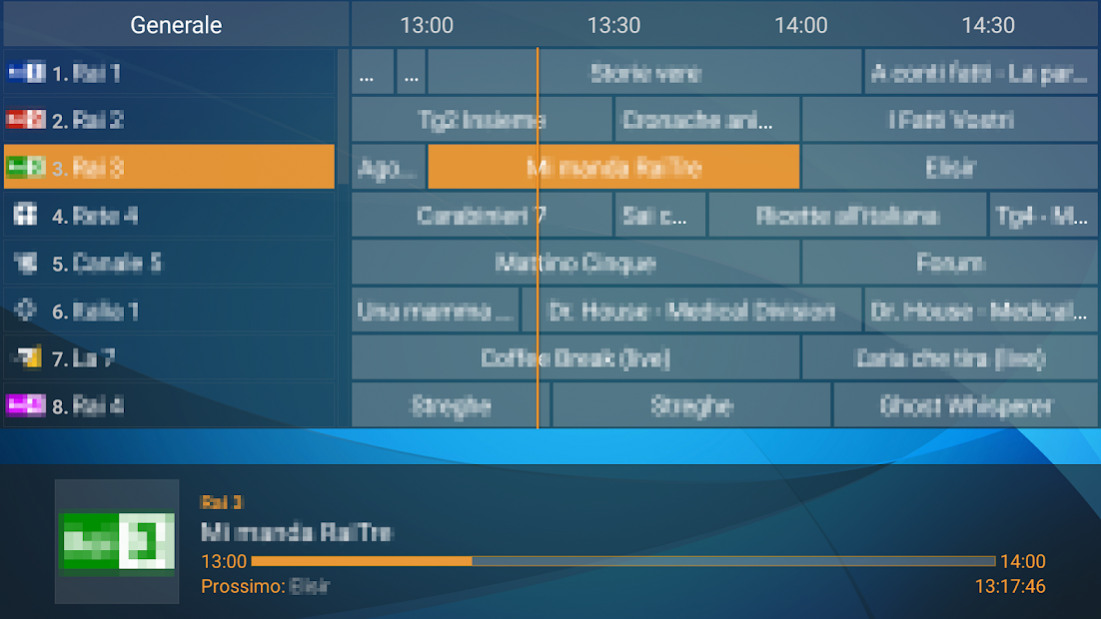
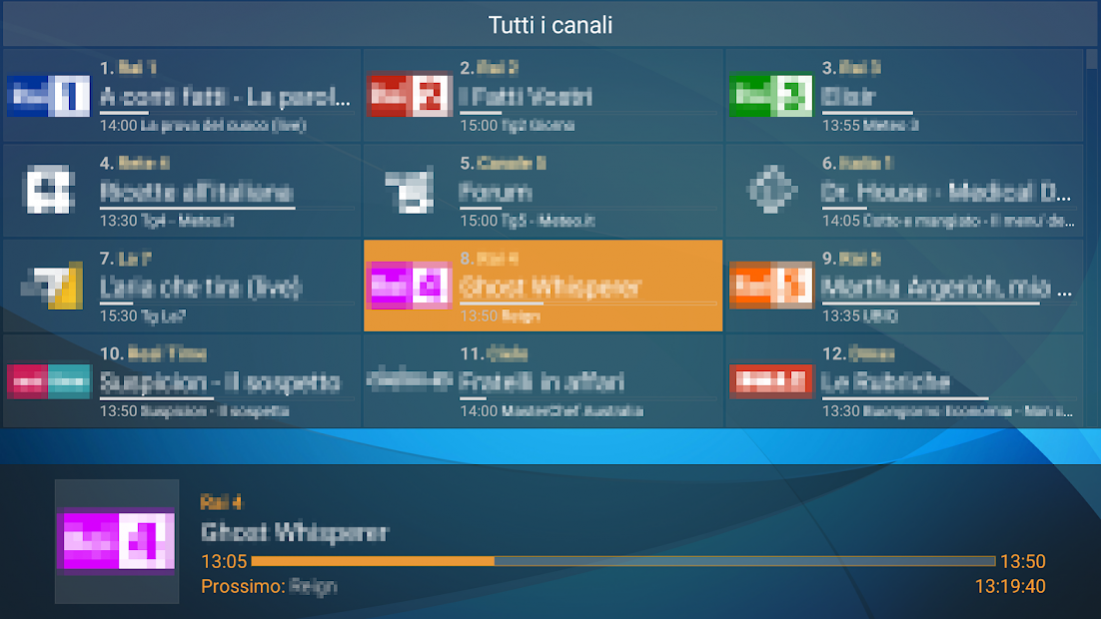
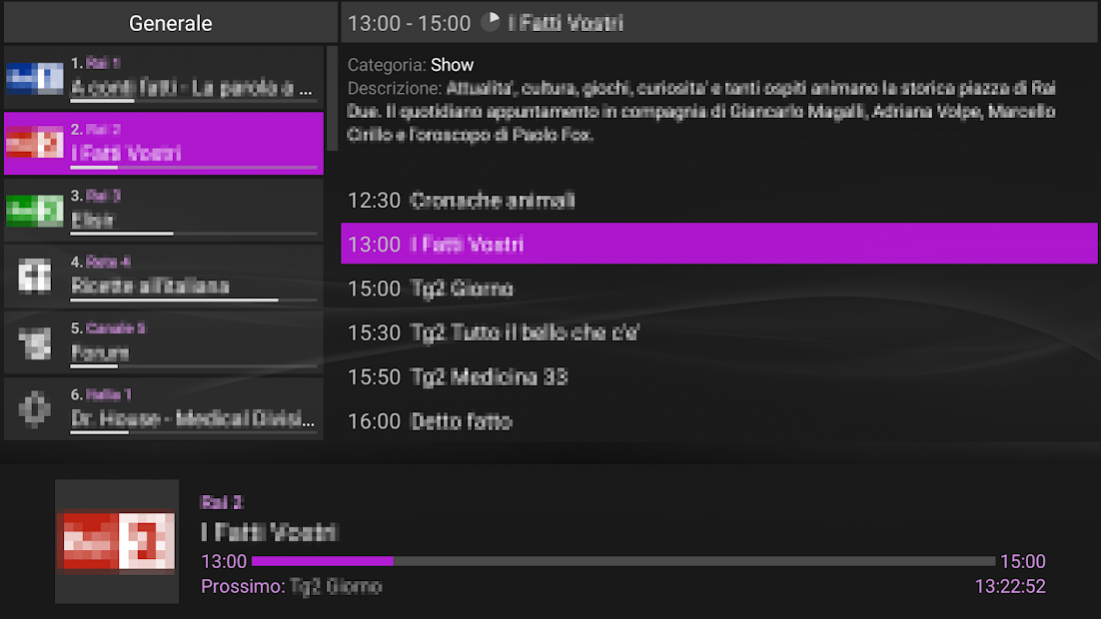
Perfect Player is set-top box style IPTV/Media player for watching videos on TVs, tablets and smartphones.
The app doesn't contain any channels, you need to add Playlists in Settings for this.
Note: To get the best playback experience try different Decoder options in Settings.
Features:
- Nice OSD menus and infos for easy and pleasant watching videos with minimum user actions
- Scaleable OSD renders correctly with any screen resolution and selected font size
- IPTV watching with channels groups, logos and EPG
- Local files watching (from SDCard, USB, etc)
- Supported playlist formats: M3U, XSPF
- Supported EPG formats: XMLTV, JTV
- udpxy (UDP-TO-HTTP proxy) server support
- Can connect to IPTV data server (Perfect Player's PC version) to fetch playlist, EPG, logos and the ability to request playlist update right away by specifying only IPTV data server address in Settings
- Can be controlled by remote control, mouse, keyboard, etc
- Supports Perfect Cast IPTV - remote control app designed exclusively for Perfect Player
- Big controls panel is useful on devices with small screen size (toggle the panel with the two fingers touch)
- Extended EPG info viewing
- "Full version" removes Ads and adds extra features
About Perfect Player IPTV
The company that develops Perfect Player IPTV is Niklabs Software. The latest version released by its developer is 1.6.0.1.
To install Perfect Player IPTV on your Android device, just click the green Continue To App button above to start the installation process. The app is listed on our website since 2021-10-20 and was downloaded 0 times. We have already checked if the download link is safe, however for your own protection we recommend that you scan the downloaded app with your antivirus. Your antivirus may detect the Perfect Player IPTV as malware as malware if the download link to com.niklabs.pp is broken.
How to install Perfect Player IPTV on your Android device:
- Click on the Continue To App button on our website. This will redirect you to Google Play.
- Once the Perfect Player IPTV is shown in the Google Play listing of your Android device, you can start its download and installation. Tap on the Install button located below the search bar and to the right of the app icon.
- A pop-up window with the permissions required by Perfect Player IPTV will be shown. Click on Accept to continue the process.
- Perfect Player IPTV will be downloaded onto your device, displaying a progress. Once the download completes, the installation will start and you'll get a notification after the installation is finished.
Program Details
System requirements
Download information
Pricing
Version History
version 1.5.9.2
posted on 2021-10-20
- Added "PiP" (Picture-in-Picture) player feature to play secondary channel in a small window (Full version)
- "PiP" menu is in channels list context menu
- Added "Sleep timer" feature to stop playback after a specified period of time (to setup press "Down" key when cursor is on Settings/Cogwheel button in main menu)
- Added showing "Archive" icon on channels for some providers
- Additional options to configure catchup
- Bug fixes
version 1.6.0.1
posted on 2021-10-20
- Added channel name aliases support for XMLTV EPG
- Fixed possible crash on app startup (EPG loading)
- Added Android 11 support
- Added 'Privacy Policy' in settings
- Fixes
version 1.5.4
posted on 2019-09-16
- Added Flussonic catchup support (catchup=fs)
- Added Chinese Simplified localization
- Improved Chinese Traditional localization
- Fixes
version 1.5.3
posted on 2019-08-12
- Added PiP (Picture-in-Picture) feature (available in Full version on supported devices)
- Added "Search" feature in series (XC)
- Support series without seasons description (XC)
- Fixed Nvidia Shield Experience 8.0 crashing issue
- Added Finnish localization
- Fixes and improvements
version 1.5.2.3
posted on 2019-04-25
- Added channels groups sorting feature in "Groups management mode" (activate "Show channels groups as folders" checkbox in settings, then use "Up"/"Down"/"Left"/"Right" keys in folders list to sort groups and long "Left"/"Right" key presses to switch groups)
- Added search feature in "VOD" section (use "Search" item in context menu and "Left" key press to return from found content)
- Added Georgian localization
- Fixes
version 1.4.4
posted on 2018-01-24
- Added option to select buffer size (Hardware, Software, HW+)
- Added “Channels management mode” to manually sort channels and to sort by name (checkbox in context menu)
- Added the ability to select specific date and time of channel archive (at the end of archive programs list)
- Added FTP support for playlist and EPG downloading
- Auto-select playing channel on channels list reopening
- Other fixes and improvements
version 1.3.8
posted on 2016-12-04
- Added new theme "Snow",- Added options to set clock size and position,- Added "Playback in background" option,- Added support of XMLTV EPG packed with TAR.GZ,- Exit without confirm when started from file managers,- Added Openbox/Fortis/SkyWay SAT receivers support (#EXTCTRL:http://request_to_switch_channel),- Fixes and improvements
Disclaimer
External Download
We do not host Perfect Player IPTV on our servers. We did not scan it for viruses, adware, spyware or other type of malware. This app is hosted by Galad and passed their terms and conditions to be listed there. We recommend caution when installing it.
The APK Download link for Perfect Player IPTV is provided to you by apps112.com without any warranties, representations or guarantees of any kind, so access it at your own risk.
If you have questions regarding this particular app contact the publisher directly. For questions about the functionalities of apps112.com contact us.
